
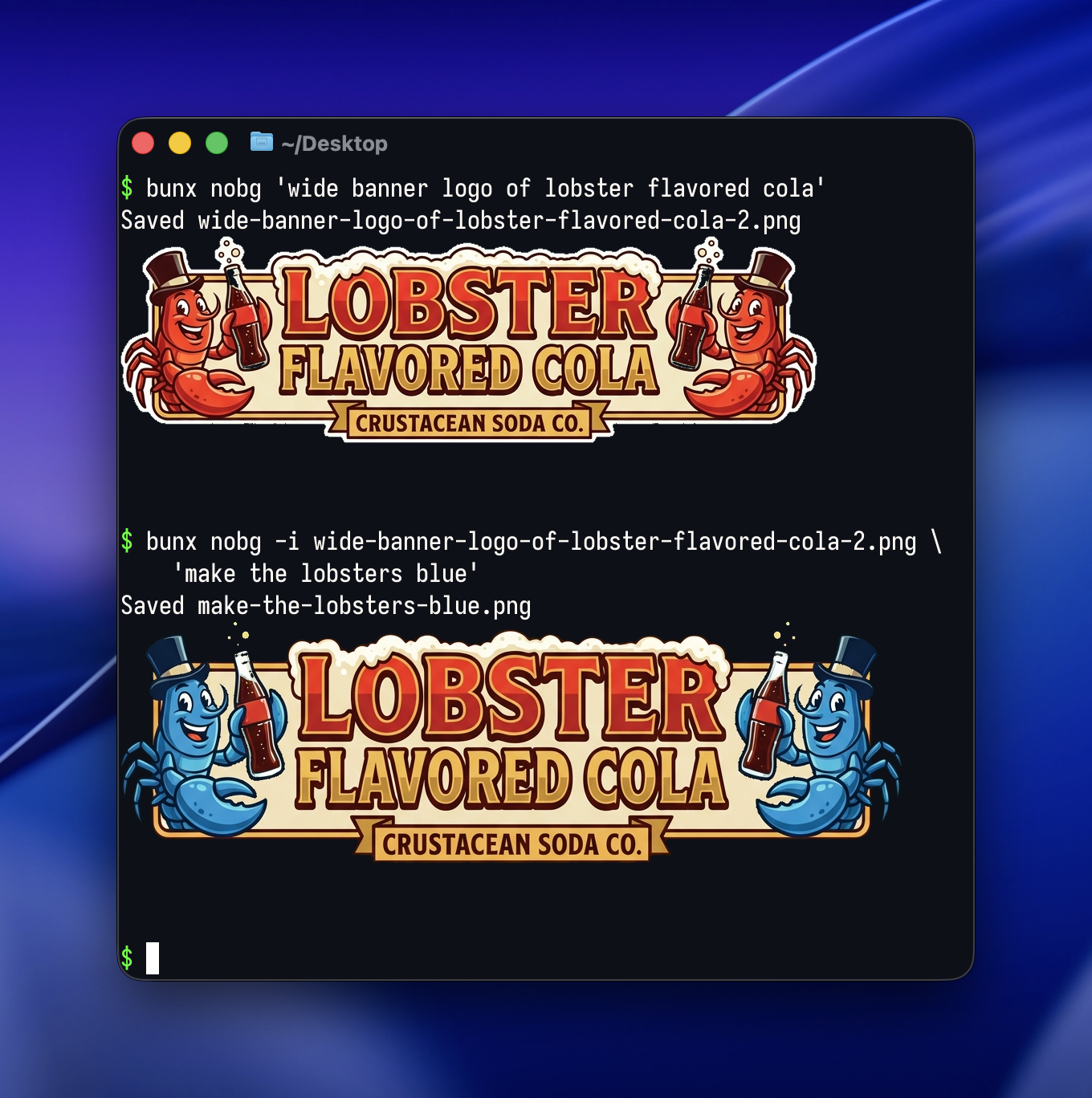
Generate images with transparent backgrounds using AI. Uses chroma key compositing — instructs the model to render on a solid green screen background, then replaces it with transparency using sharp.
Set your API key:
export GEMINI_API_KEY=your-key-herebunx nobg@latest [options] <prompt>bunx nobg@latest 'a red apple'
bunx nobg@latest -a 16:9 -r 2k 'app icon of a banana'
bunx nobg@latest -i photo.jpg 'remove the background from this image'
bunx nobg@latest -i ref.png 'recreate this in pixel art style'
bunx nobg@latest -o logo.png 'minimalist logo'| Flag | Description | Default |
|---|---|---|
-a, --aspect-ratio |
Aspect ratio (e.g. 1:1, 16:9) |
1:1 |
-r, --resolution |
Resolution: 1k, 2k, 4k |
1k |
-t, --temperature |
Temperature 0.0-2.0 |
1.0 |
-i, --input |
Input image(s) to include with the prompt (repeatable) | None |
-o, --output |
Output filename | Auto-generated from prompt |
-d, --debug |
Log full prompt and API details | Off |
-c, --chroma-color |
Chroma key color in hex | #00FF00 |
-m, --model |
Provider/model | gemini/gemini-3-pro-image-preview |
Built entirely with Claude Code.